

Download Command IQ Today!
Make the internet your own with complete control, total visibilty, and a secure network experience.
Ultimate WiFi deserves the Ultimate App
Peace of mind
Manage every device on your network from anywhere. Adjust settings, optimize placement, and keep your Wi-Fi running smoothly.
Take control of your home
Manage your Wi-Fi your way with Arriva’s smart app tools — built for speed, visibility, and total control.
Designed for you
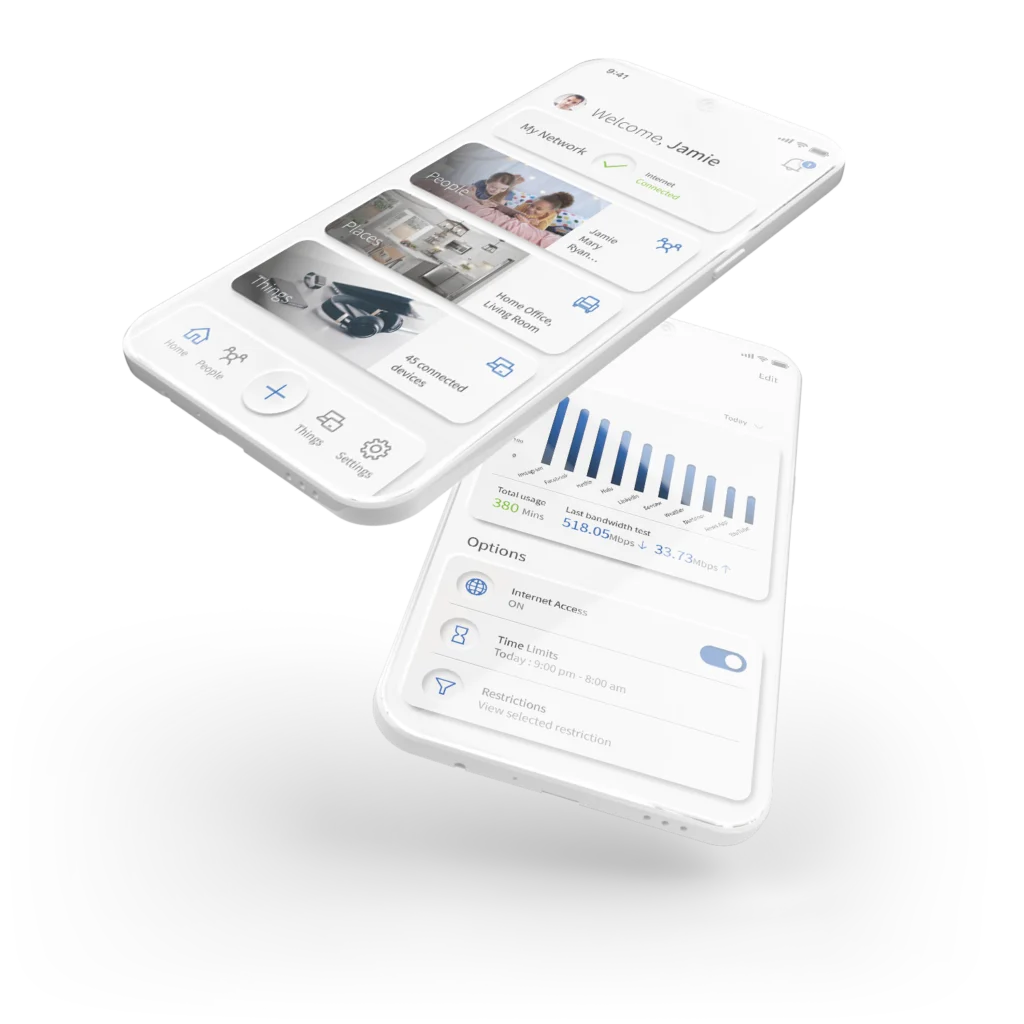
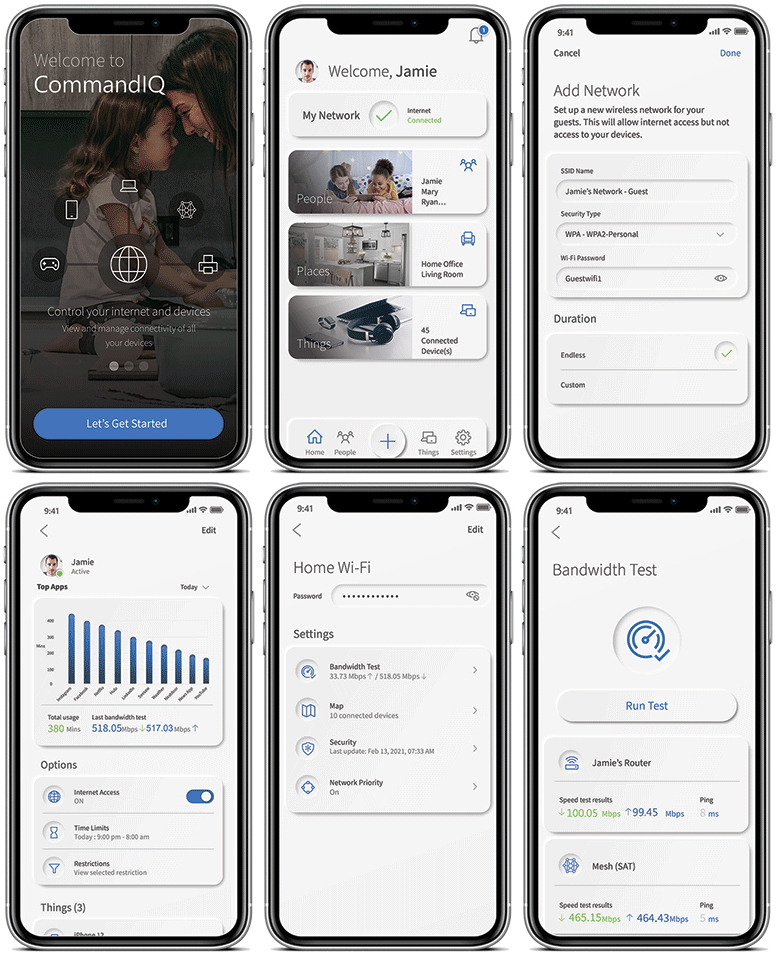
Quickly view your network, troubleshoot issues, and contact support — all from one simple in-app dashboard.
You’re in control
Prioritize devices, manage performance, and keep your connection fast when it matters most.
Controls you’ll love
Set parental controls, create guest networks, monitor bandwidth, and strengthen security — all in one place.
Know your speed
Run bandwidth tests anytime and monitor performance up to 2.5 Gbps.
Set up the Command IQ app
Take control of your internet network with CommandIQ
The password you enter here will be used to access the app. Please wait at least 10 minutes after your router has been ‘turned up’ before attempting step four.
You will be asked to allow the app to access your camera.
Tap OK. Afterward, you may be asked to enter your account number.
Then enter your current login credentials to proceed. Please note that if you choose to use a new SSID and password, you will need to update it on all your devices.
If you have a Gigaspire with us, you have access to additional app features and functions. Add additional control and security over your home network with ExperienceIQ and ProtectIQ. To take advantage of these, call our office today at 607-293-6622 to get started.


